
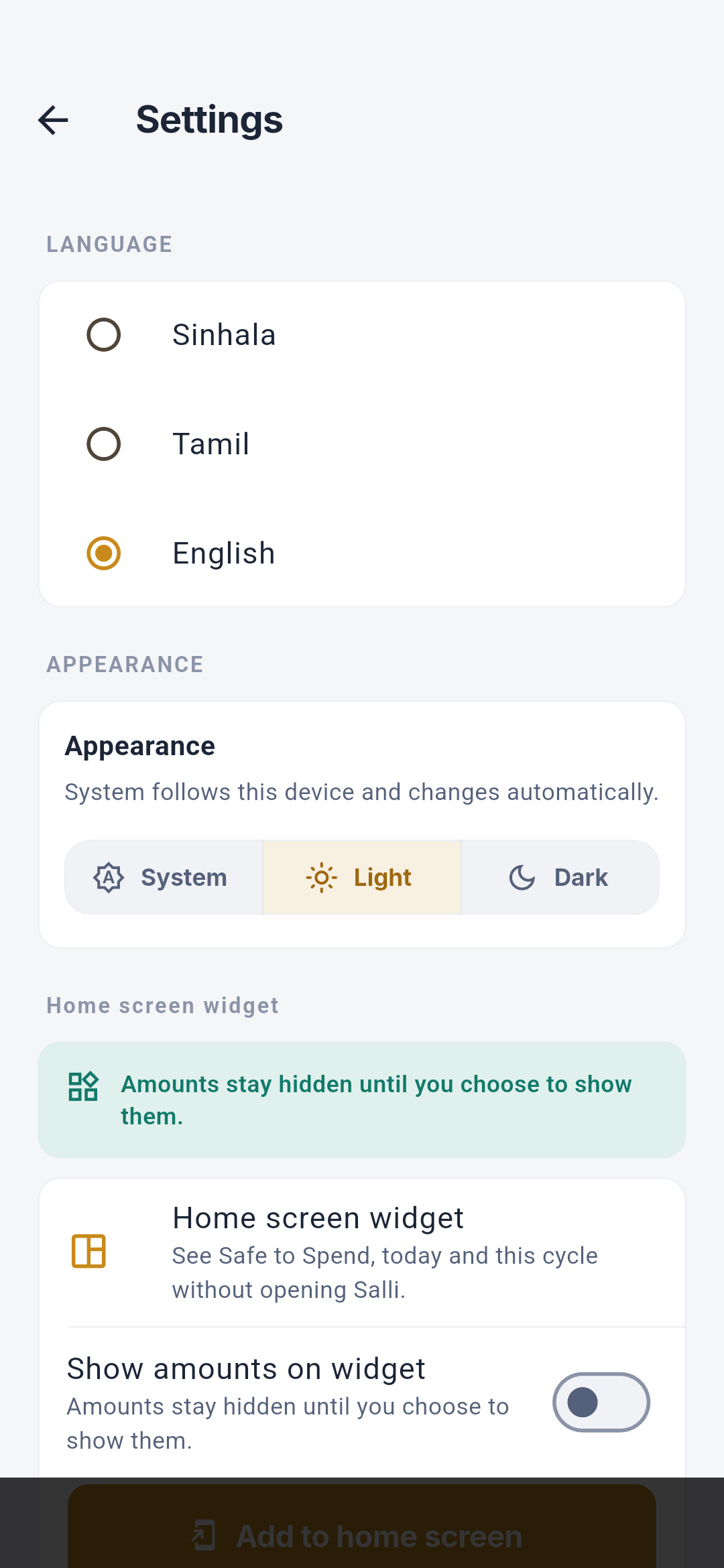
The widget shows a bounded Safe to Spend snapshot without opening the encrypted ledger. Android launcher showing the Salli widget with amounts hidden for privacy

Add the widget

  1. Open More → Settings → Home screen widget.
  2. Review the privacy note.
  3. Tap Add to home screen if the launcher supports direct pinning.
  4. Otherwise, use the launcher’s normal widget picker.

Amount privacy

Amounts are hidden by default. Enable Show amounts on widget as a separate, persistent choice. Changing this switch immediately republishes the snapshot.

Data in the widget

The native widget receives only what it needs to display:
  • Safe to Spend today;
  • spent today;
  • spent this cycle;
  • cycle context; and
  • amount-visibility preference.
It does not receive raw SMS, merchant, account, receipt, or transaction-level evidence, and it does not open SQLCipher itself.

Refresh

The app republishes after hydration, transaction or plan changes, backup restore, deletion, or privacy changes. The widget can recompute the daily allowance across midnight from its bounded snapshot.

Quick add

The widget’s add action opens the full transaction editor on warm and cold app starts. One back action returns to Home.

Availability

The widget is Android-only in the current implementation and depends on launcher support.