
Labels
Create labels in a transaction editor by typing a new name. Add one or more labels to any entry, then open More → Labels to see totals and activity. Examples:work;wedding;reimbursable;school;holiday 2026.
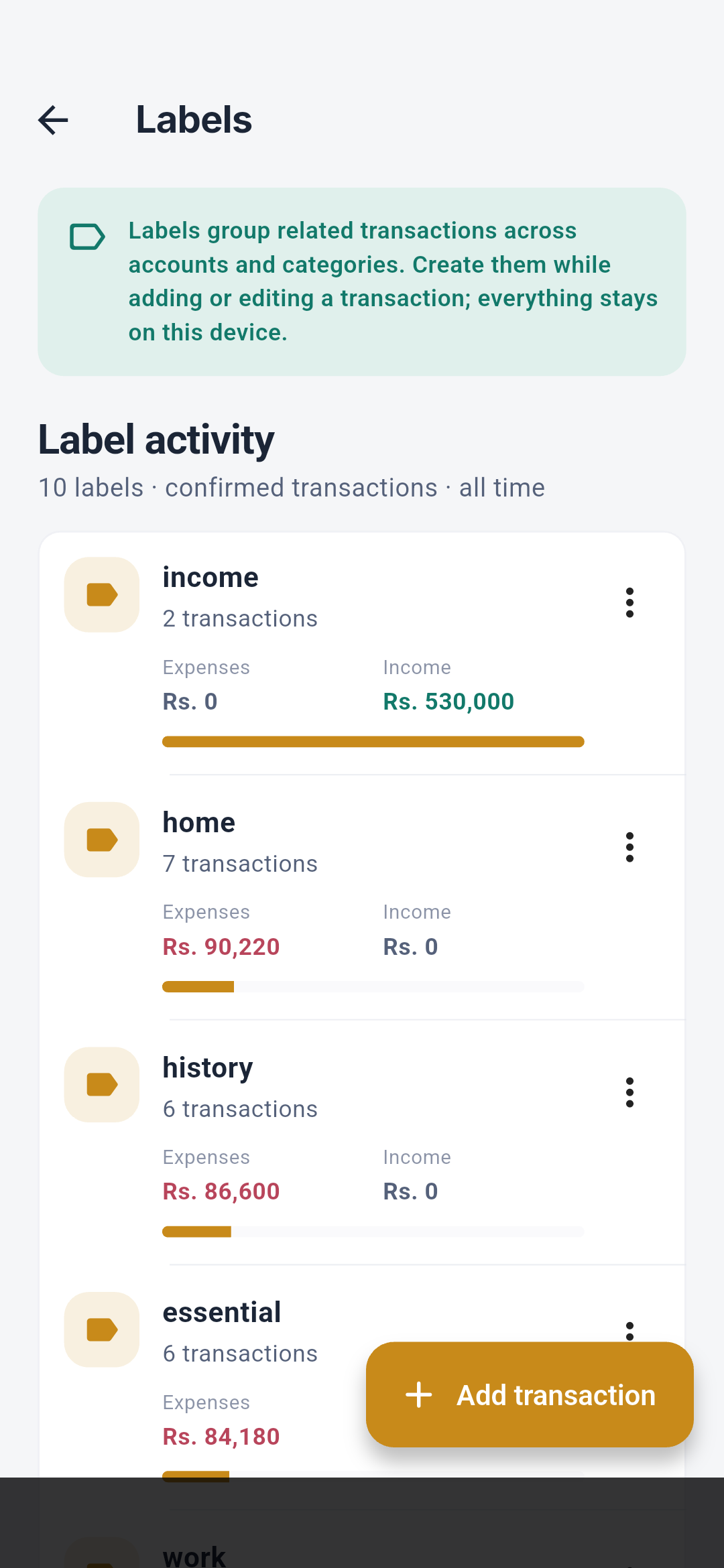 Each label includes every matching transaction across accounts and categories.
A transaction with multiple labels appears in every applicable label view, so
label totals should not be added together as if they were mutually exclusive.
Each label includes every matching transaction across accounts and categories.
A transaction with multiple labels appears in every applicable label view, so
label totals should not be added together as if they were mutually exclusive.
Merchant catalog
Salli keeps canonical merchant names from:- confirmed local transaction history;
- user-created merchant rules; and
- the bundled Sri Lankan merchant corpus.